Accessing the Transit Service
User Guide
Using the Service:The Transit and Ephemeris service can be accessed in the archive via the following ways:
Tools Menu
The Tools drop-down menu can be accessed from any Exoplanet Archive web page. Mouse over Tools to display the menu, then click Transit and Ephemeris Service.
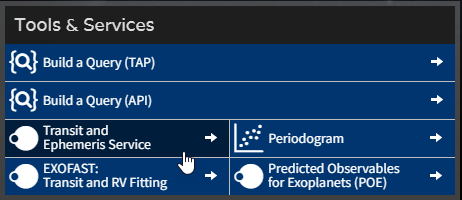
Homepage Button
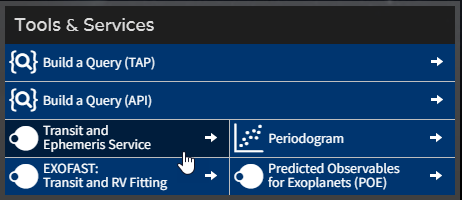
Click on Transit and Ephemeris Service in the Tools and Services button grid on the archive's homepage.
Application Programming Interfaces (API)
To retrieve Transit Service search results in machine-readable formats, review the Programmatic Results API page.
To pre-populate the Transit Service web form with values from a command line, review the Building a Transit Service Query by URL page. Note: This method only fills out the web query form. Users must run the service from the web page to retrieve predictions. For a non-web API, use the Programmatic Results API referenced above.
«Previous Transit Home Build a Transit Prediction Query Next »
Last updated: 27 May 2026